How it was made
A giant inflatable pigeon, designed in Fusion 360 and cut on a Zund
What does a giant inflatable pigeon look like?
At around this time Dall-E had just come out so I asked it:
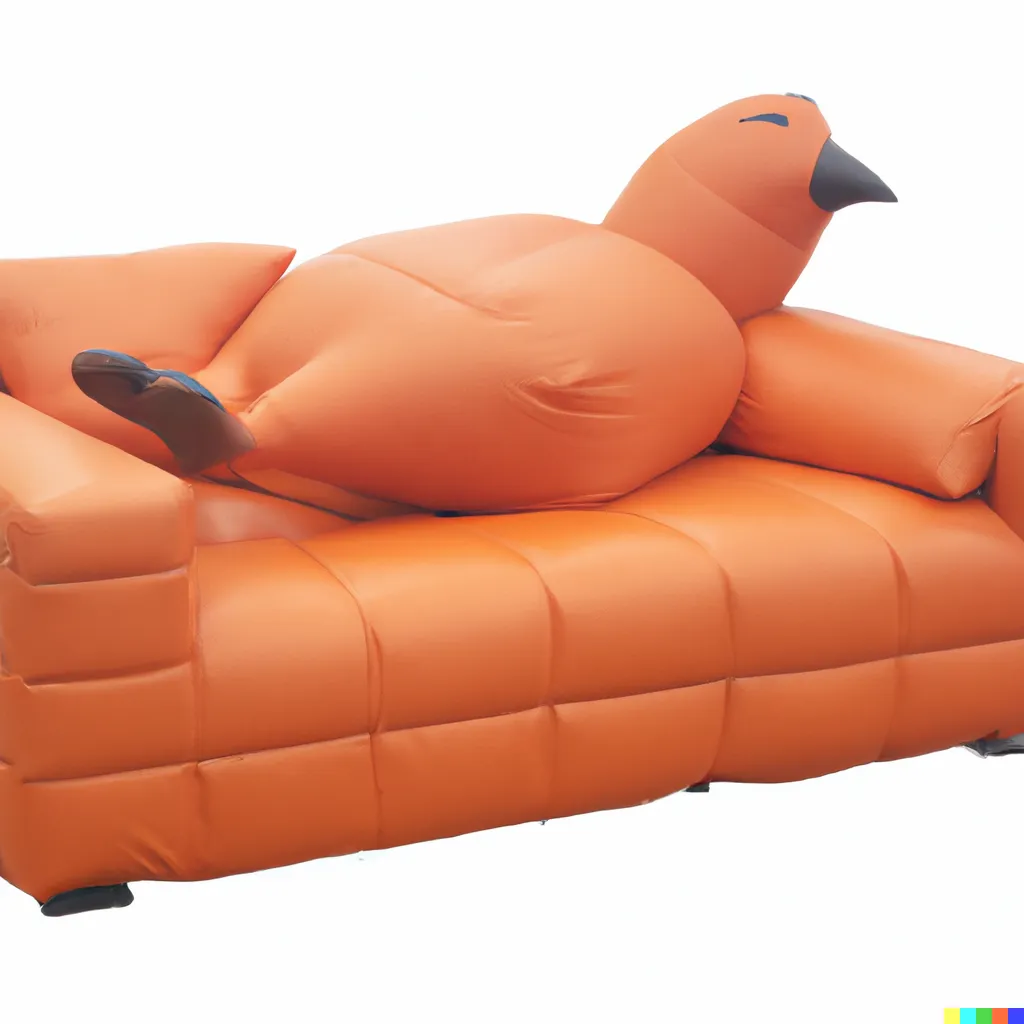 Bad DALL-E image
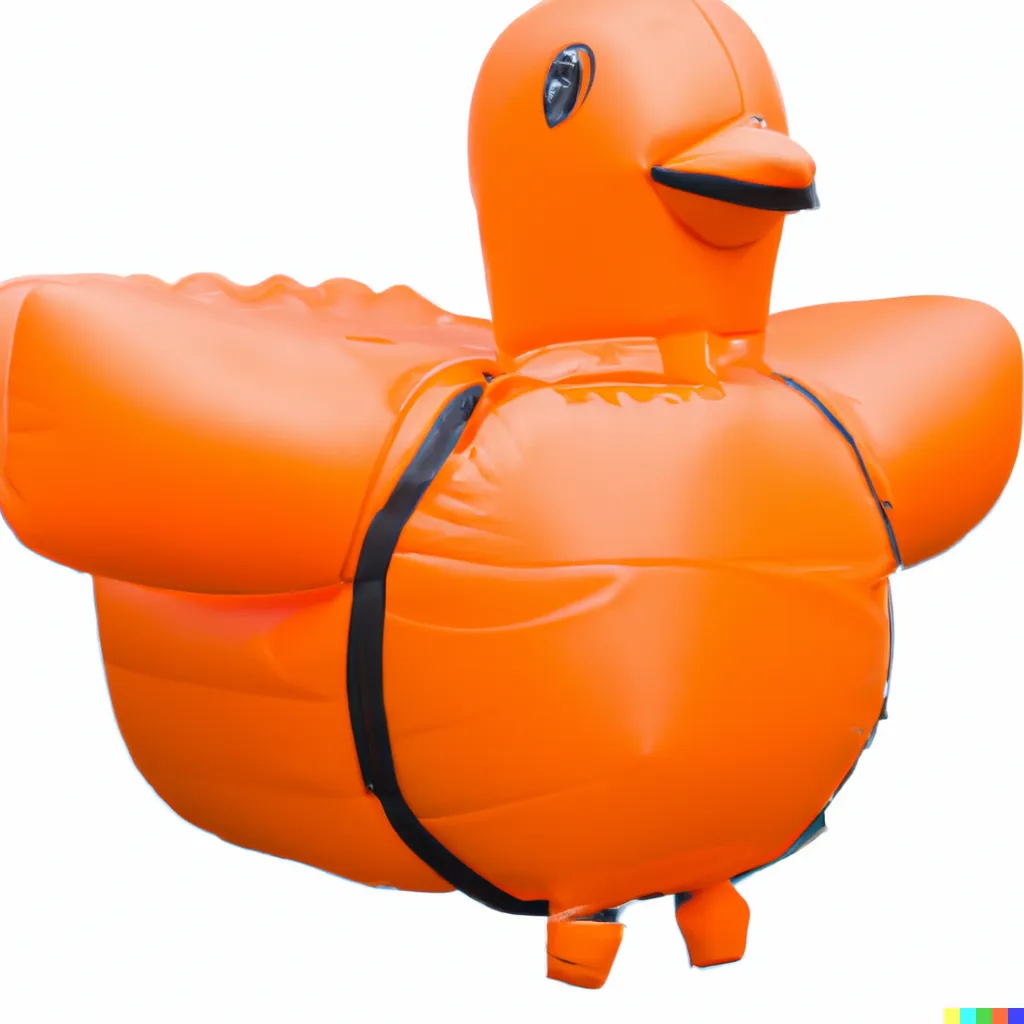 Bad DALL-E image
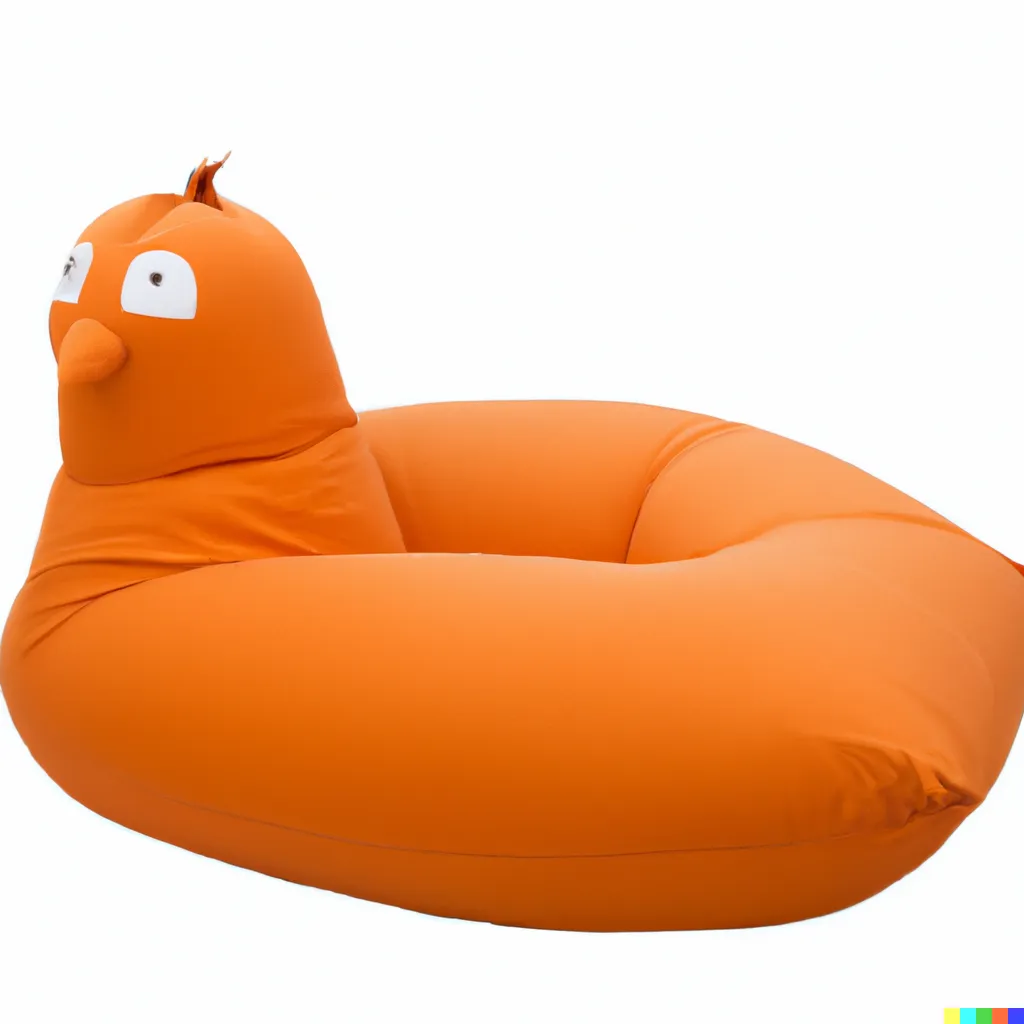 Bad DALL-E image
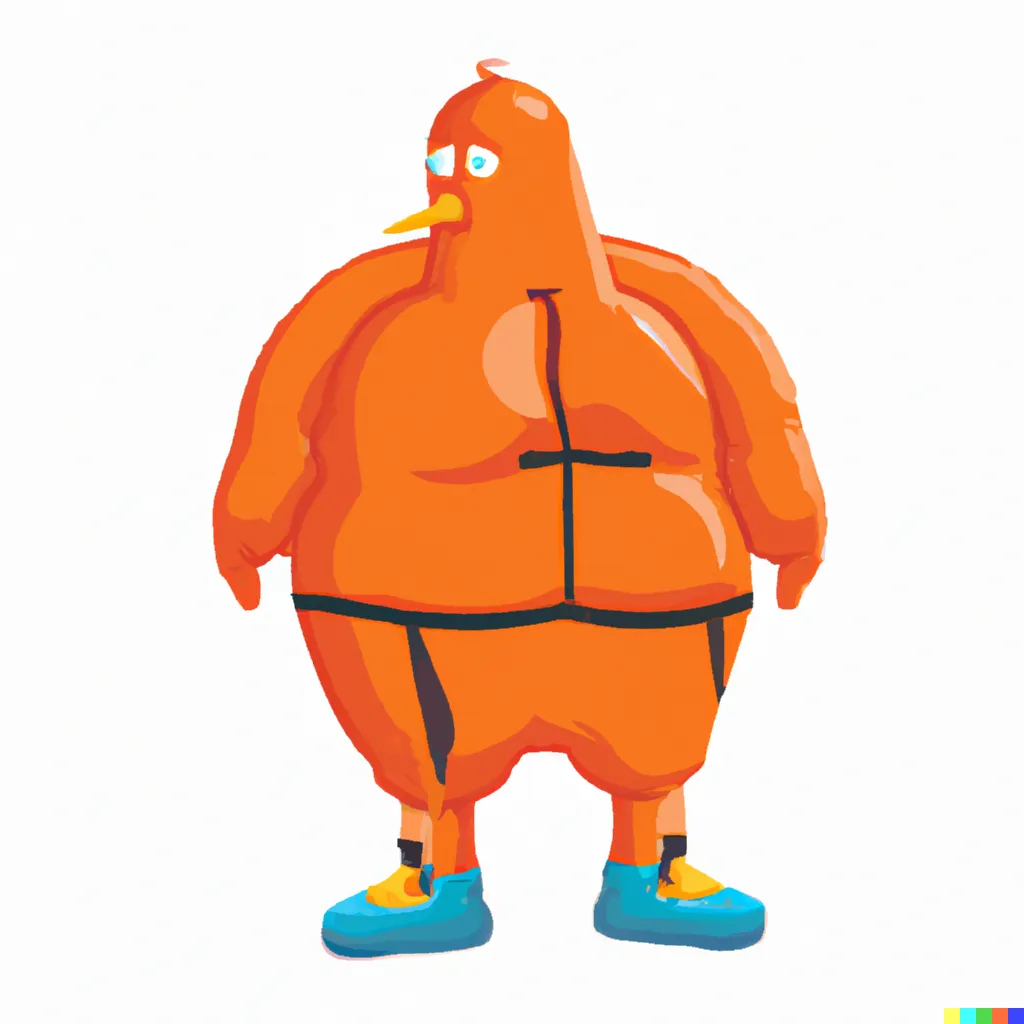 Bad DALL-E image
Ehhh. Maybe not those. With a bit of prompt engineering I got these two which gave me enough inspiration to design my own.
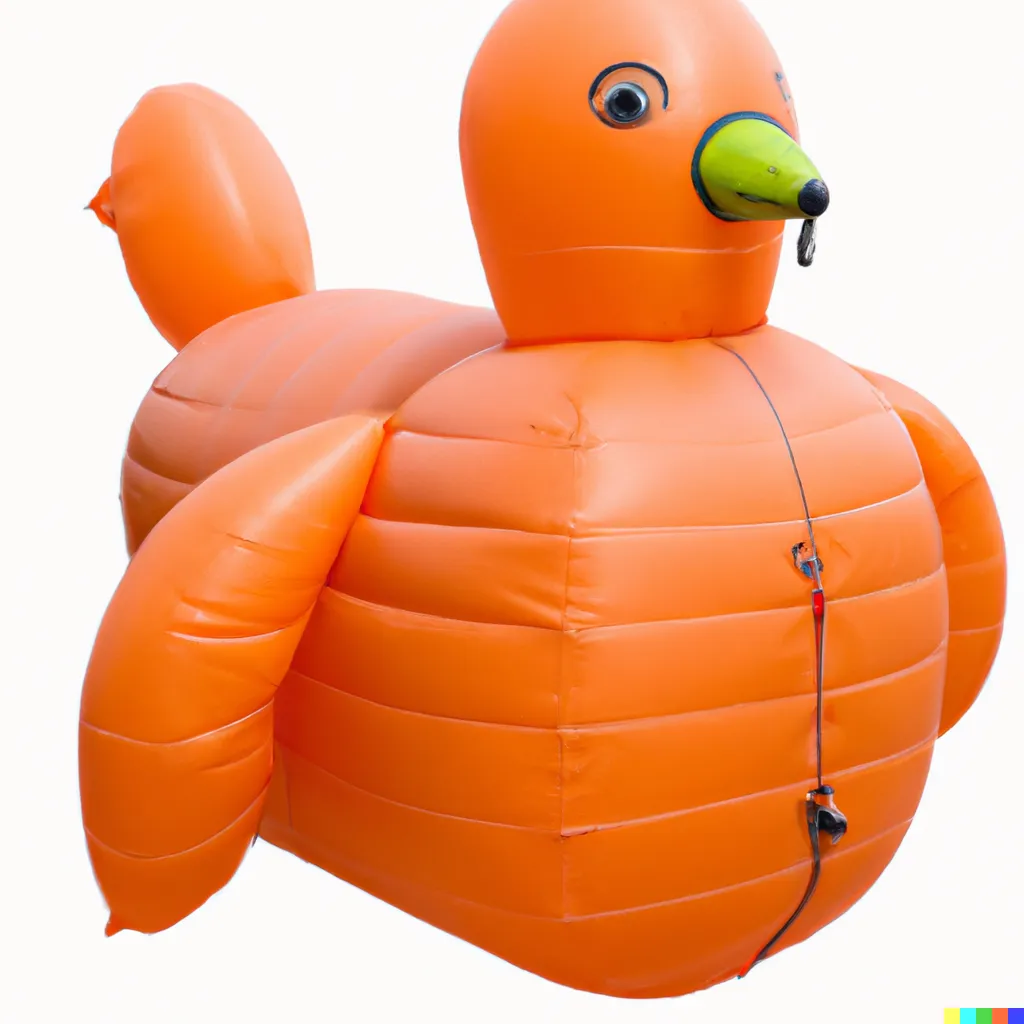 A good one: I like how the abs look here
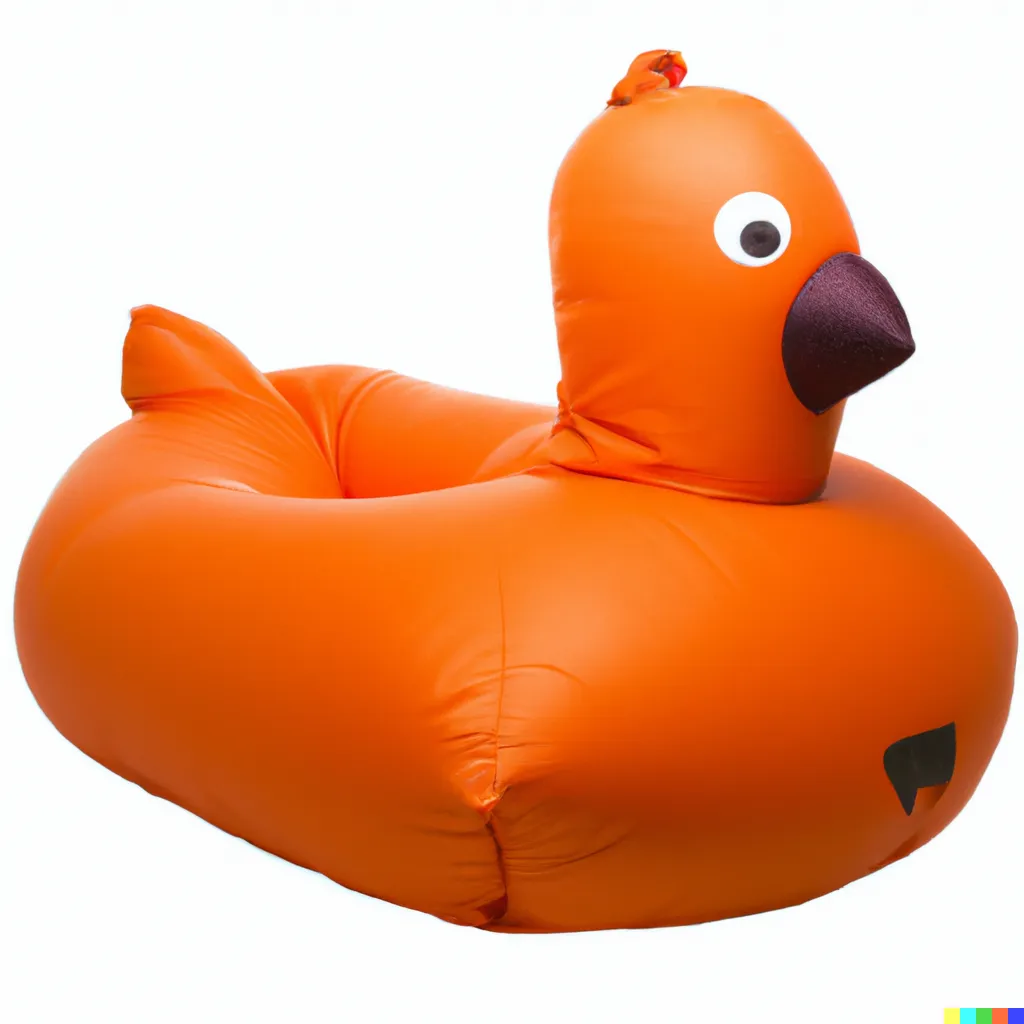 A good one: I like the recess in the middle
Design goals
I wanted:
- Creases in the front fabric to give the impression of abs
- A head, beak, tail, and two strong arms
- A recess in the middle for someone to sit in
Designing in Fusion
Inflatables are normally designed as 2D sewing patterns in software such as Illustrator. However, at this time I was exploring Fusion 360’s sheet metal tool so used that instead.
In theory you sketch your piece, flange it out, add bends and lofts, then click Create flat pattern. In practice it didn’t work. I lofted two ellipses together with the flange tool.
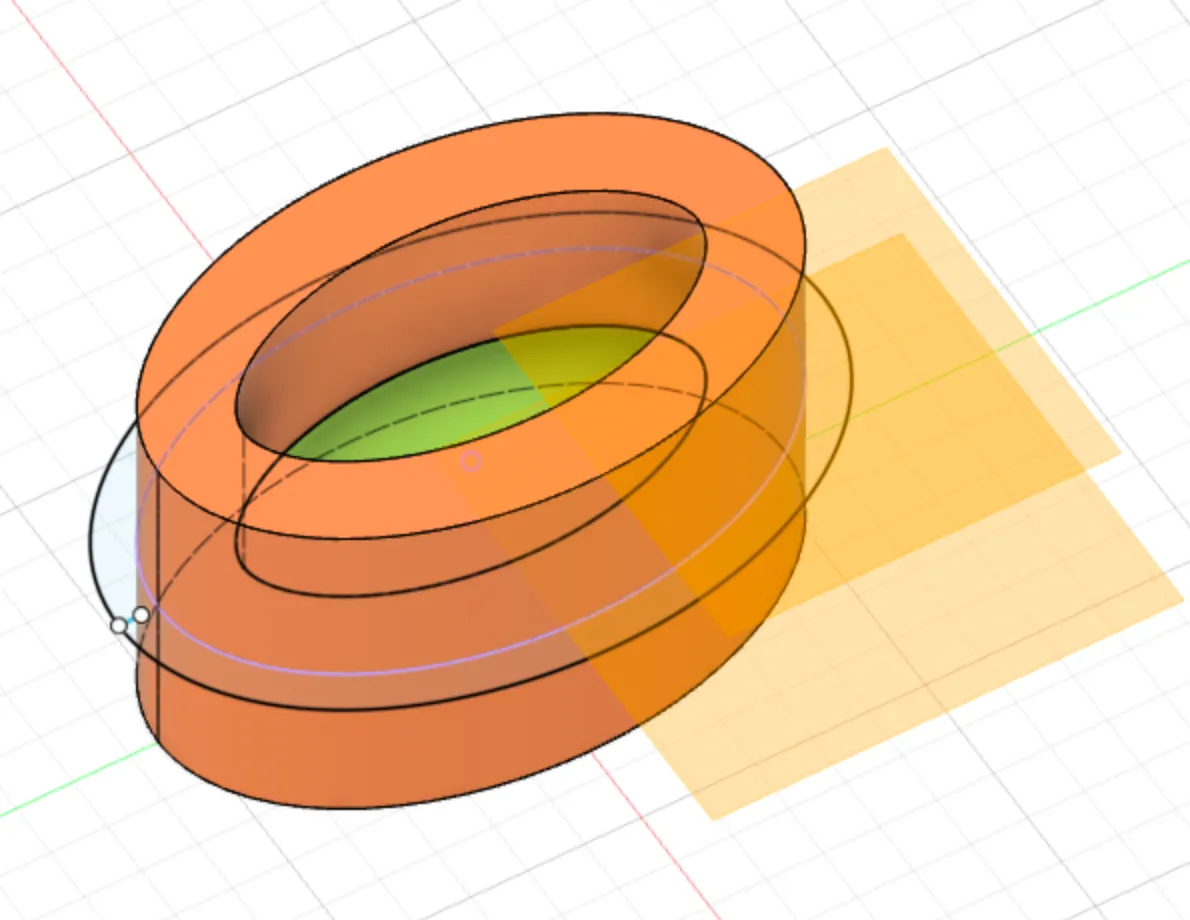 A rough CAD I based the 2D designs on
The flat pattern came out 3D.
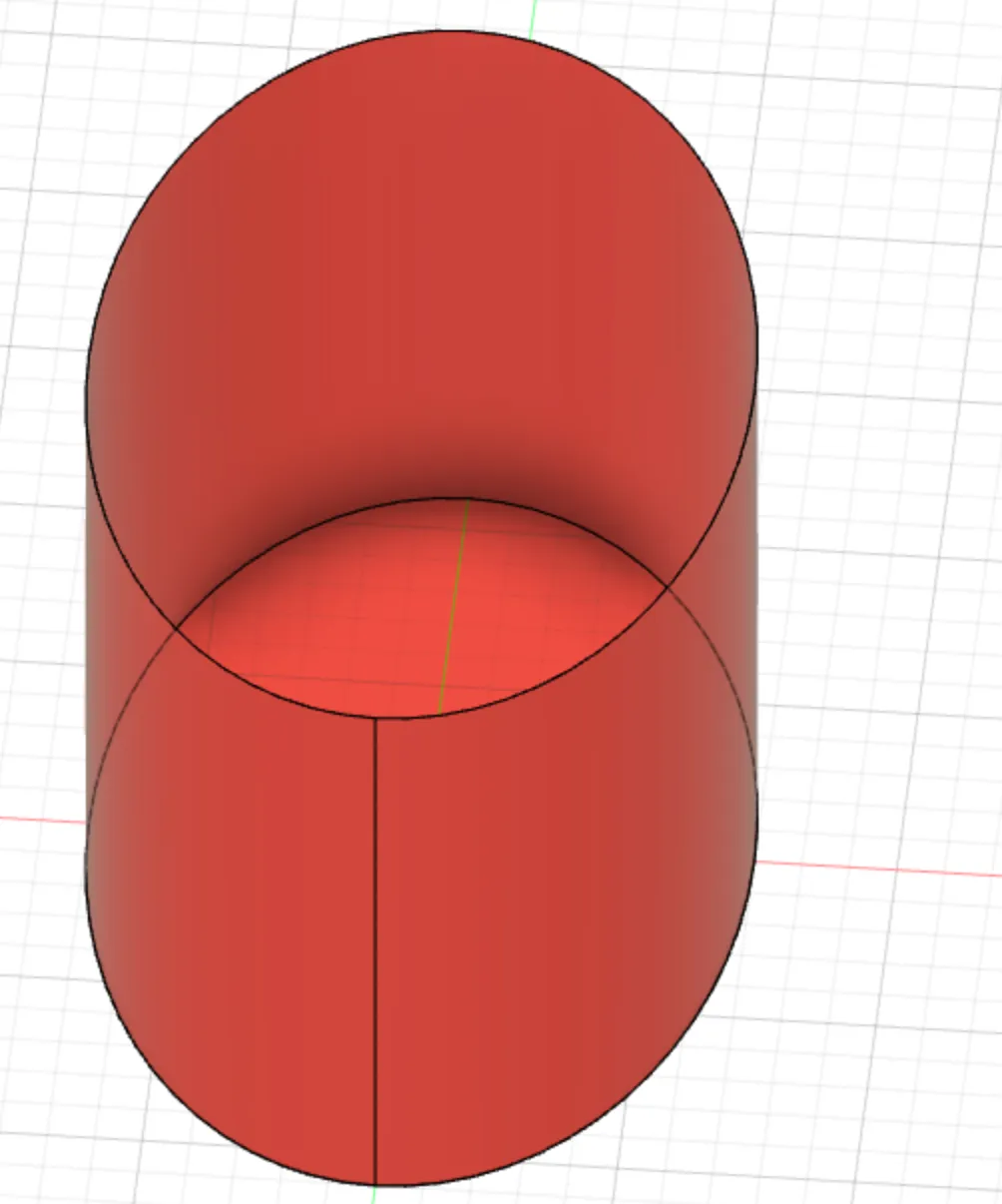 A 3D object in my supposedly flat pattern
I’d forgotten to leave a gap in the ellipse, so it had nowhere to unfold. Adding one didn’t help either (I mangled my Fusion history badly at this point, so Unfortunately there are no pictures). After a few hours I gave up and sketched 2D profiles instead.
First was the base: an ellipse 55cm wide and 30cm long.
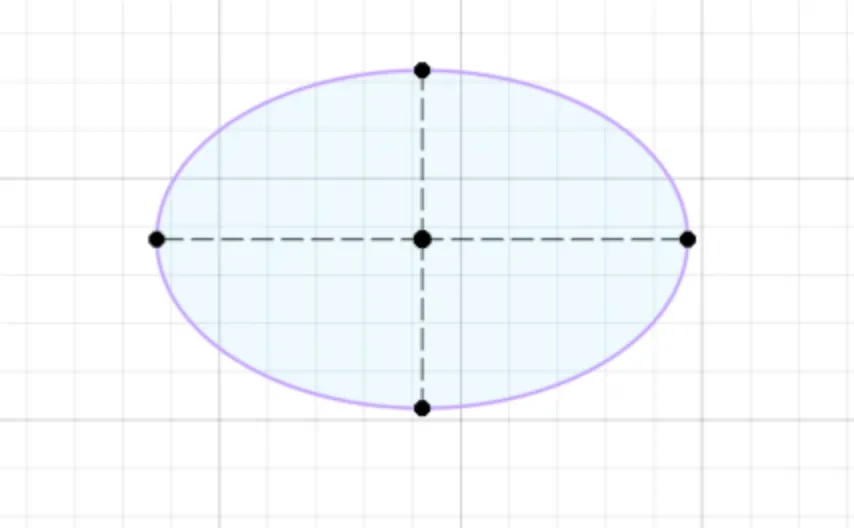 Base of the pigeon body
The body wall is made of rectangles sized to the ellipse’s circumference and sewn together. Space was tight since I only wanted to use orange.
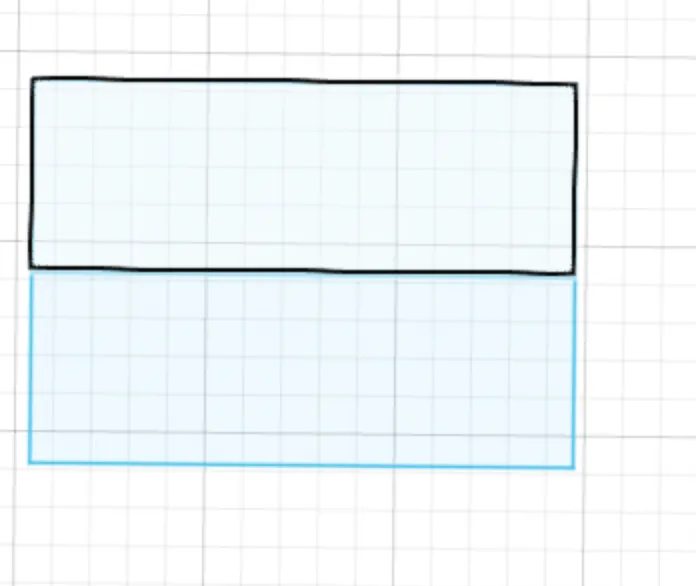 Walls of the pigeon body
For the head I drew a sort-of-head-shaped spline. Each arm is a rectangle wrapped around and sewn to a circle, for a buff arm impression.
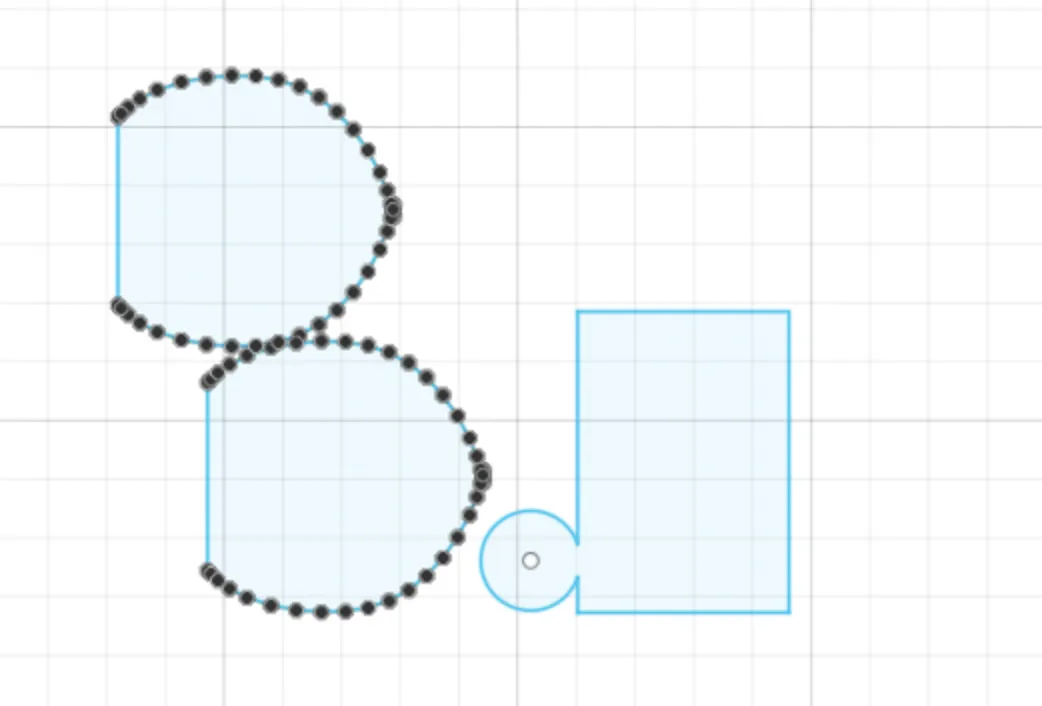 Head and arms of the pigeon
Then came the tail (a rectangle with a square on the end), another arm, and the top of the pigeon. For a lip attached to a smaller inner wall, I offset a copy of the base ellipse inwards to cut the lip and inner ellipse in one go.
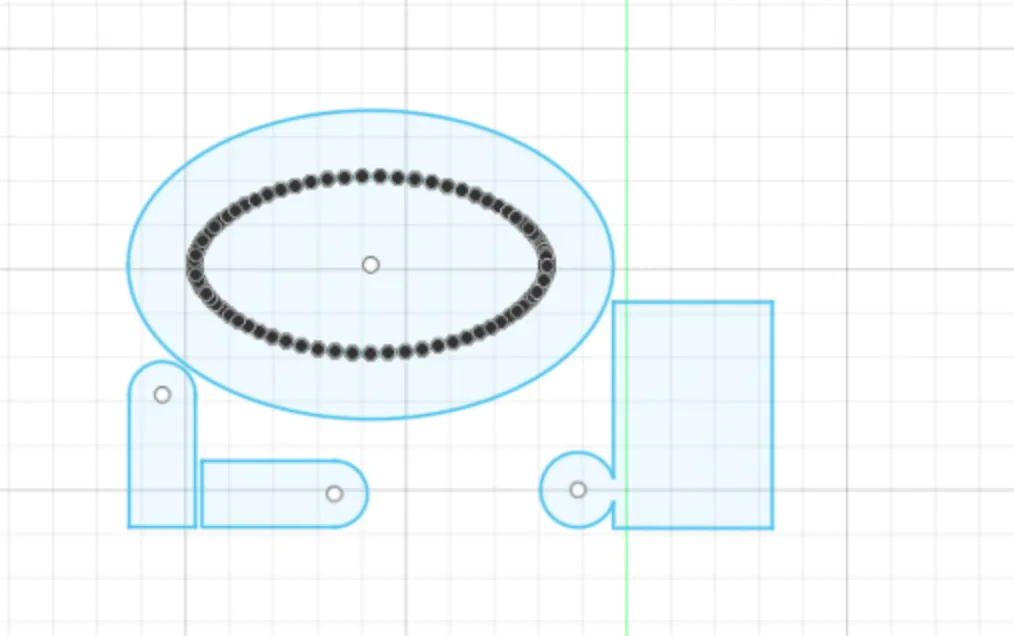 Tail and lip of the pigeon
Finally, the wall for the inner ellipse: two rectangles, exactly like before.
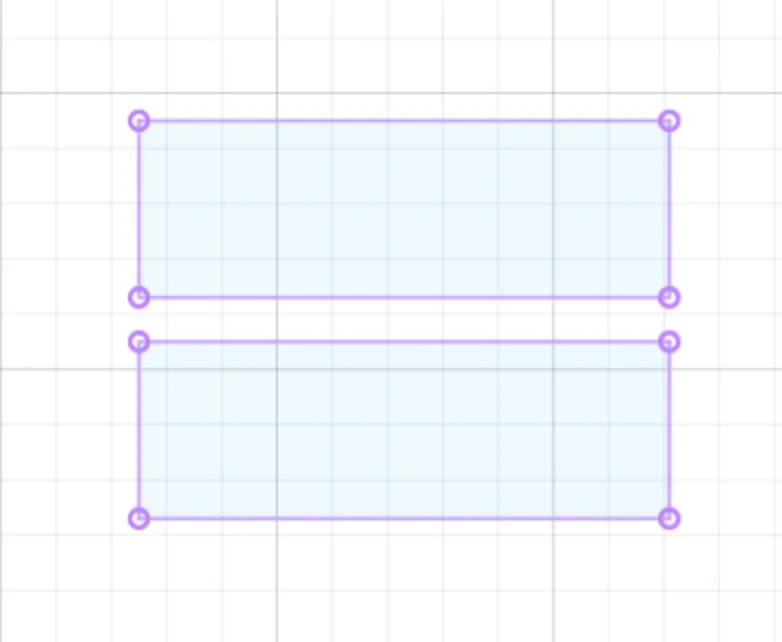 Internal walls of the pigeon
Cutting it on the Zund
I was fortunate to get access to a Zund – a precise gantry machine with modular end effectors – which made quick work of cutting everything out.
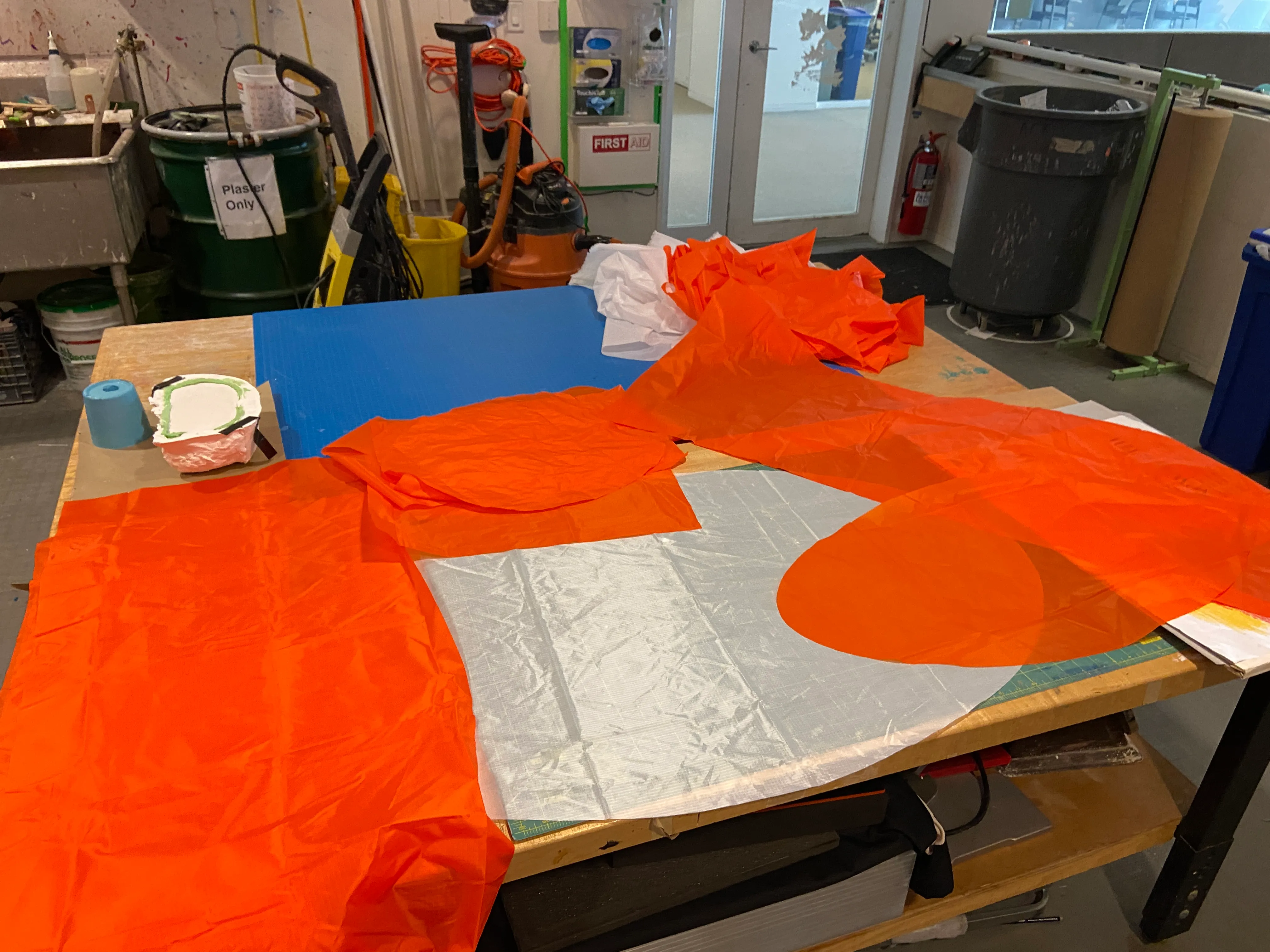 All the cut pieces
Sewing it together
This took much longer than I expected (8 hours) and a lot went wrong in the process including:
- The thread getting tangled when I tried to refill the bobbin
- For the abs, I meant to sew a crease on the front only and instead sewed it all the way around. People suggested a seam ripper. I’d never used one and thought they were magical tools that made removing seams super easy. Unfortunately, this is false. It’s just a tiny sharp edge you stick under a seam, and it’s incredibly tedious. I spent the next hour picking out my seams.
- I sewed the beak onto the head, then the head onto the body, and the head came out backwards. So I got my trusty seam ripper, took it off, and sewed it back on a different way. Yep, it was different: a different kind of backwards.
Vinyl cutting eyes
Once everything was sewn (8 hours later) it was time for the eyes. I cut white and red circles from heat-on vinyl (pigeon eyes are usually orange, but I’d already used so much of that, and sometimes they’re red, so I’ll go with it). I placed the vinyl shiny side up, heated it with an iron and peeled off the backing.
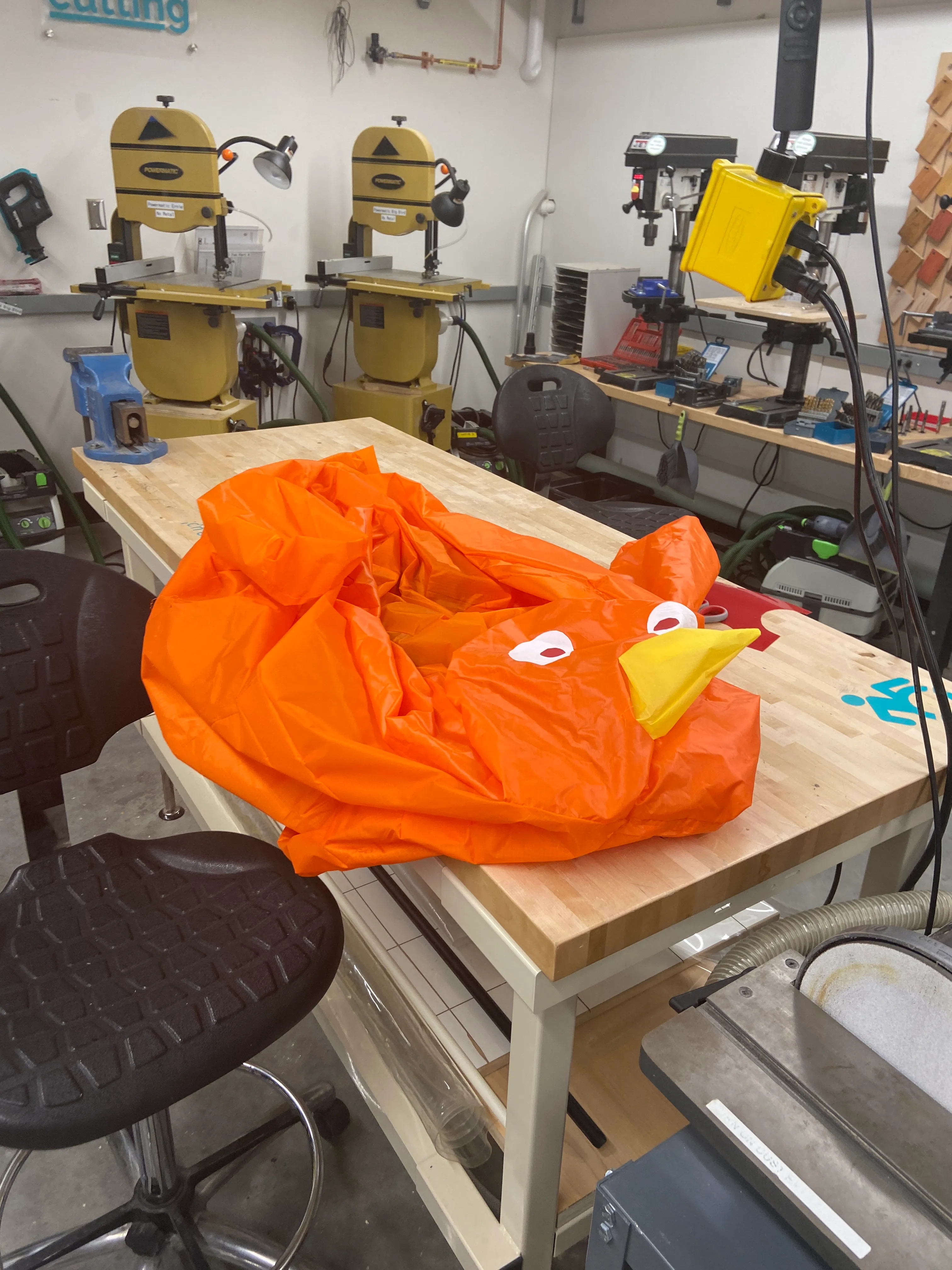 Completed pigeon
I plugged a hair dryer into the back and voilà.
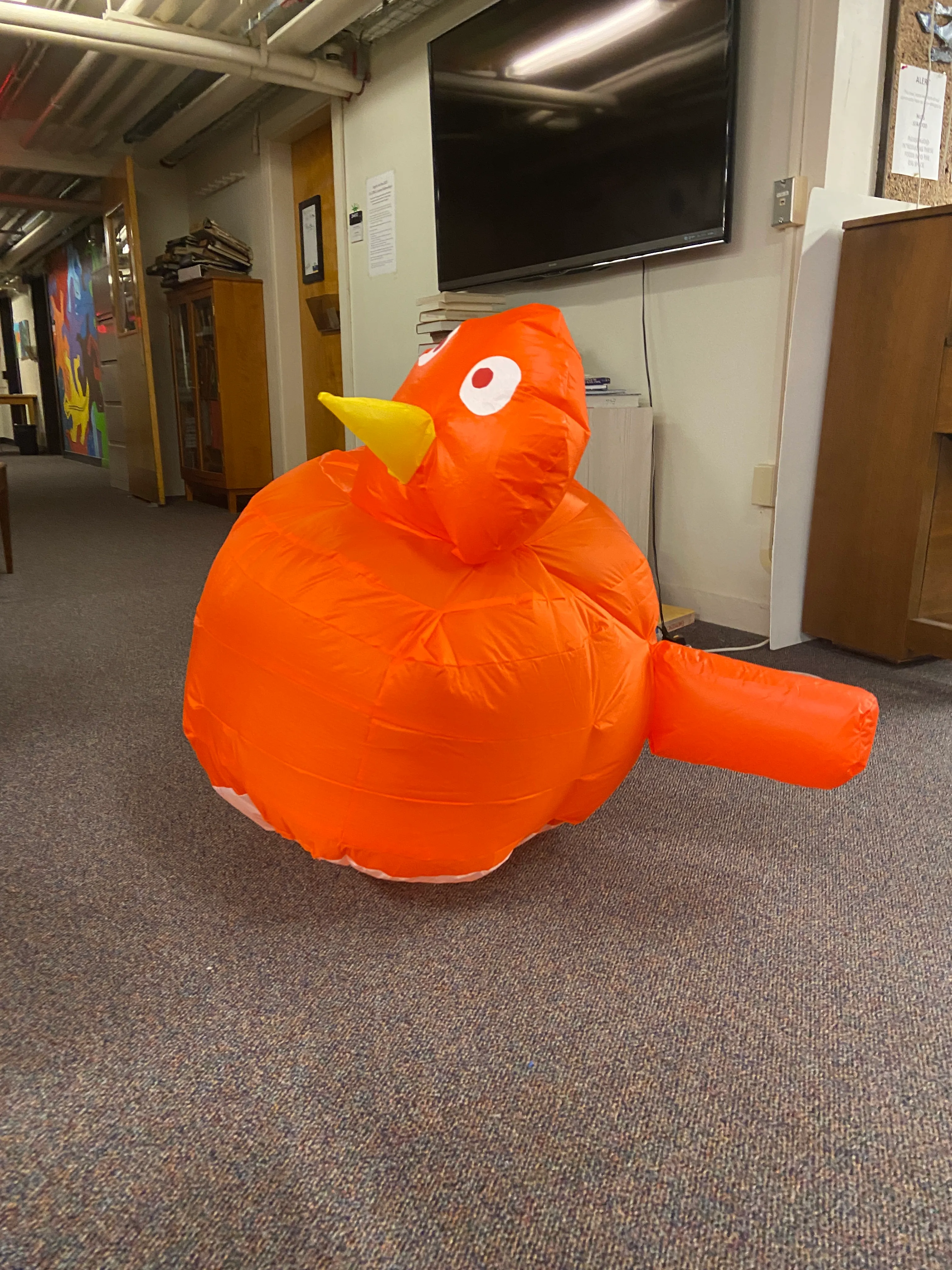 Inflated pigeon
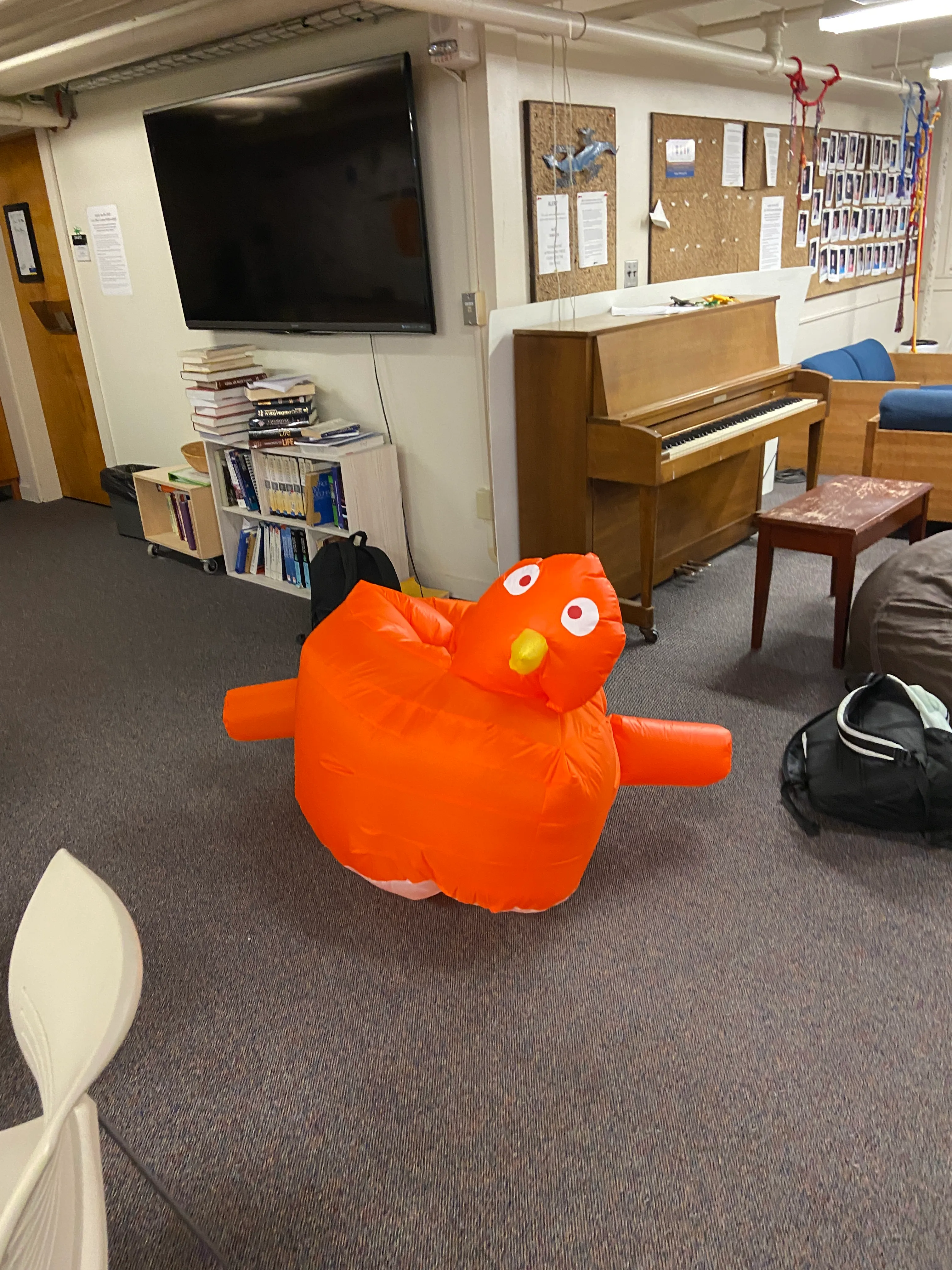 Inflated pigeon, another angle