How it was made
An LED neon sign of Appa from Avatar: The Last Airbender
Designing the sign
I began with an image of Appa and then used Adobe Illustrator to convert it into a vector drawing. The LED strips we used come in 1 inch increments so I modified the line lengths to match this constraint.
Finally, I offset the outside of the image to make the outline for the sign.
Setting up the CAM
I used Fusion 360 to setup the CAM program, using a 1/8” endmill to cut the sign from a 1/4” sheet of acrylic.
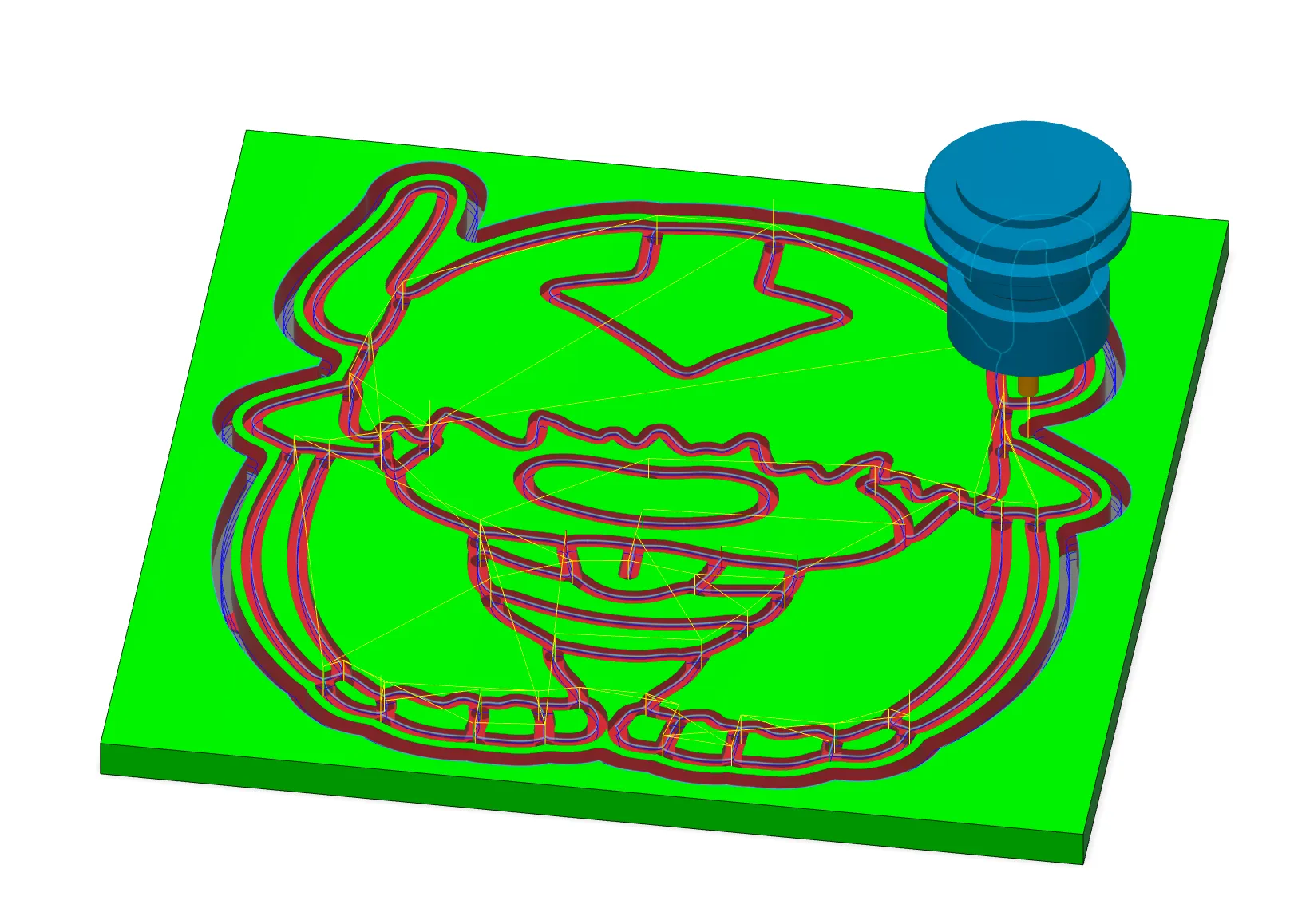 Simulated CAM job in Fusion 360
Cutting the sign
I cut the sign on the ShopBot CNC router.
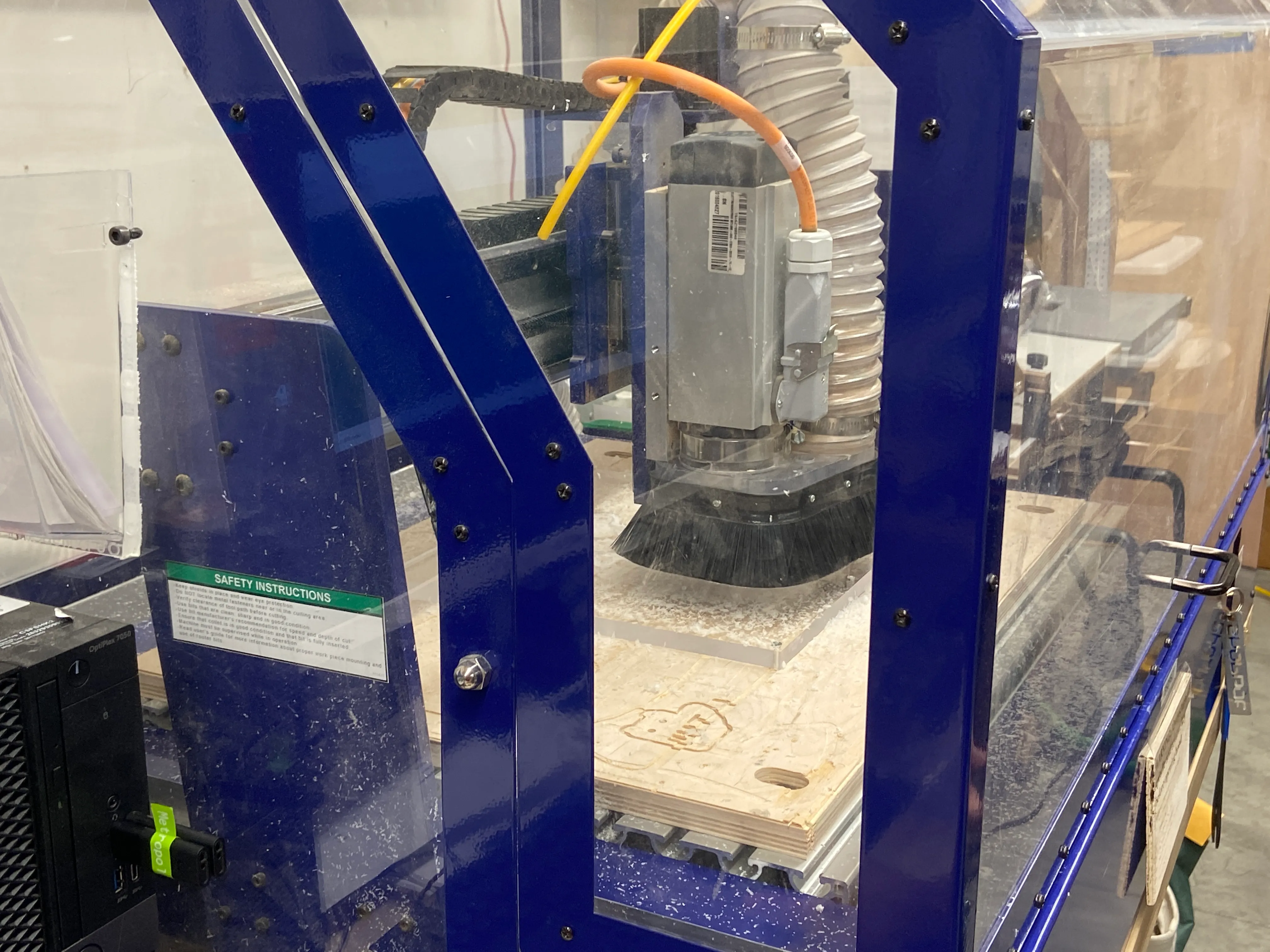 Sign being cut on the CNC router
Wiring the sign
This was the hardest part. I cut the LED strips to fit the different channels, soldered them together, and wrapped the exposed wires in heat shrink to prevent shorts. I used hotglue as mechanical strain relief for the solder joints.
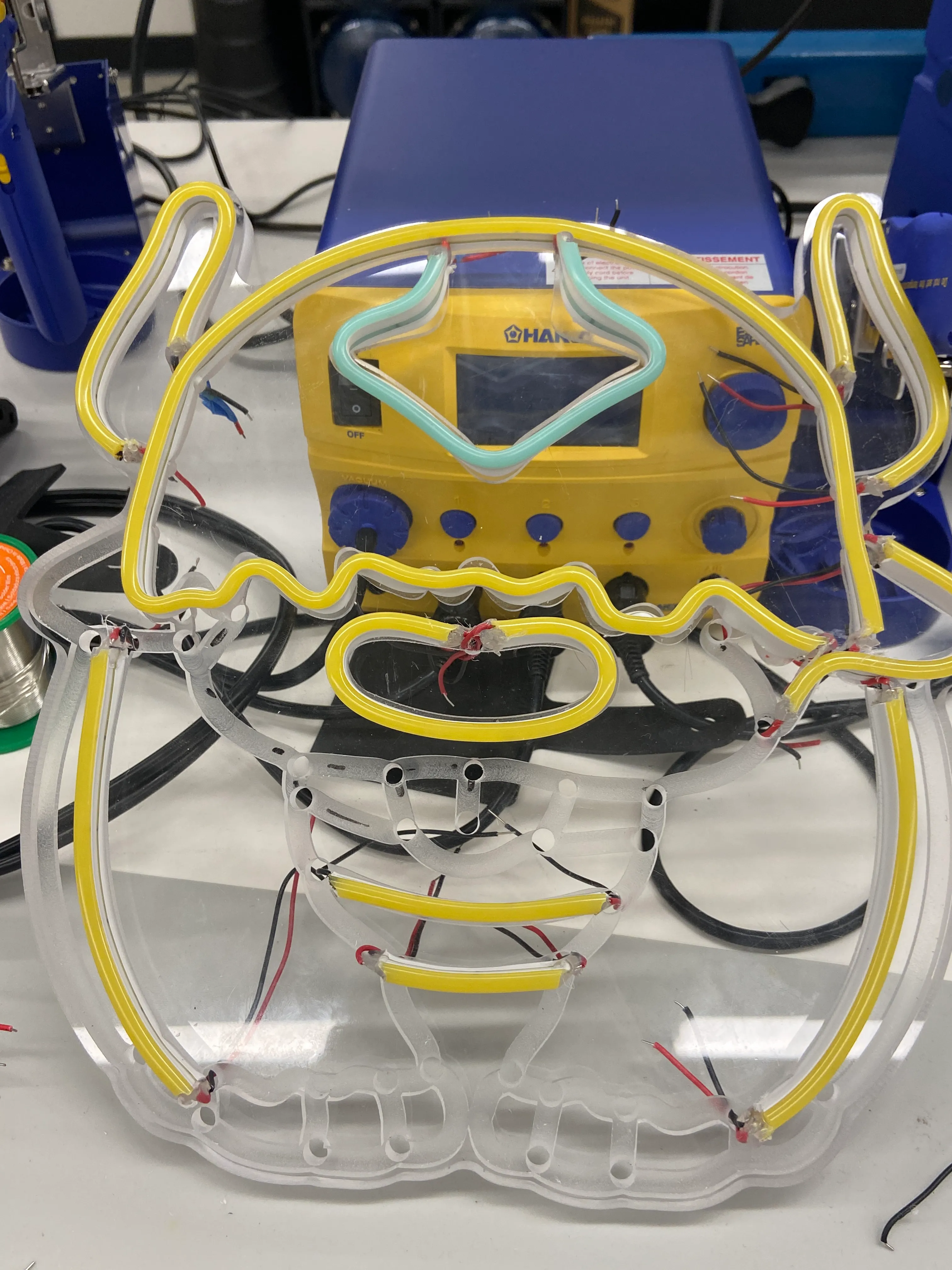 Adding the wires to the channels
Finally, I connected the sign to a 12V power supply and it lit up!
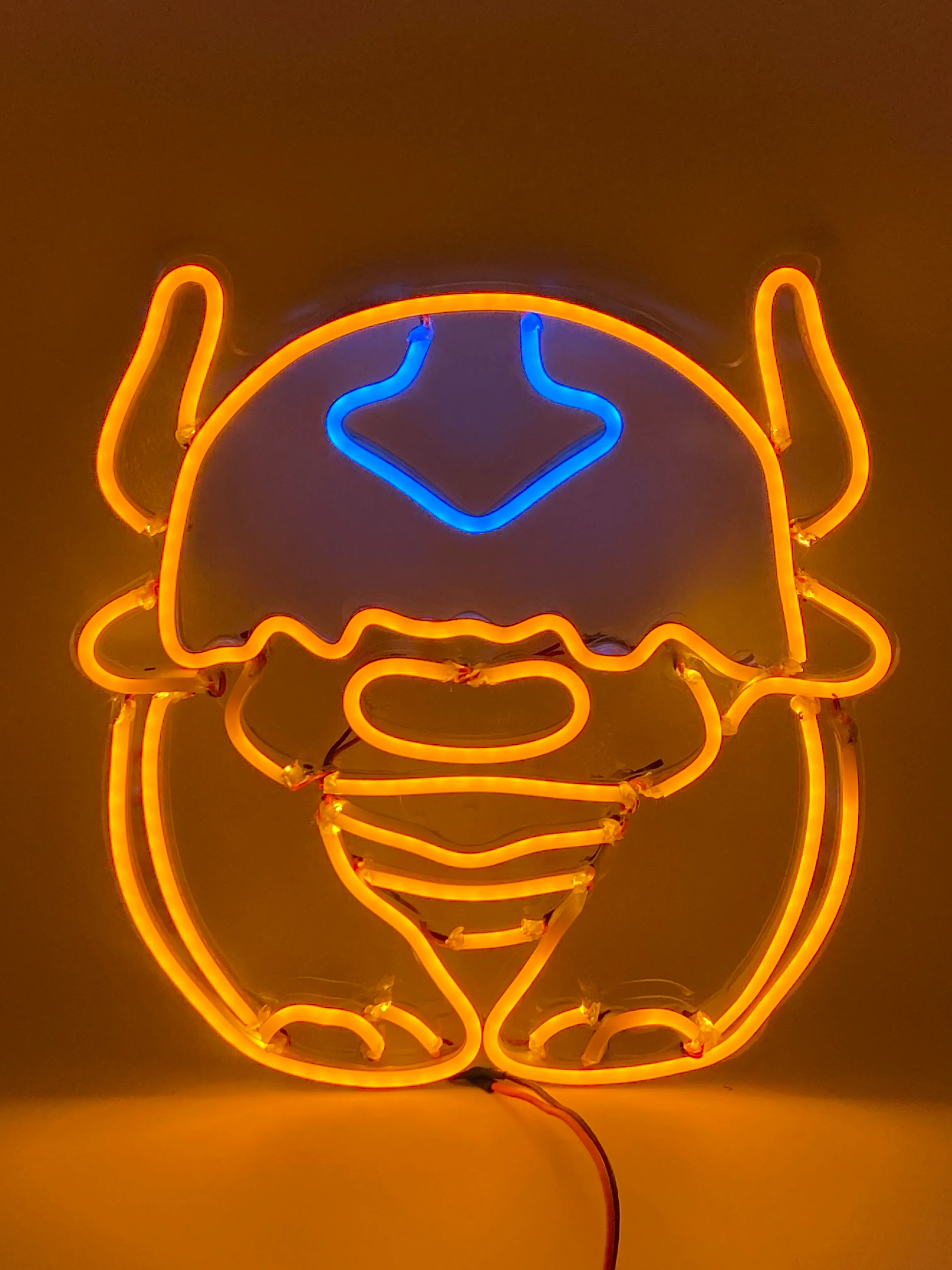 Appa LED neon sign