How it was made
A custom Settlers of Catan board, designed and printed in color
Design goals
There were a lot of pieces:
- 5 resource tiles (wood, brick, wheat, sheep and ore) and a desert tile
- Cities, settlements and roads for 4 players
- A robber
- A number of ports
- A frame to hold everything together
- A largest army trophy
- A longest road trophy
With everything in metal, we couldn’t tell players apart by color, so each got a theme:
- Player 1: Space Penguins
- Player 2: Rainbow Unicorns
- Player 3: Fire Dragons
- Player 4: Cloud Pigs
Alayah is a CAD wizard and designed most of the cool pieces. Here are a few of mine.
Ore tile
The ore tile is a mountain with a crater at the top for the number token, and a track around it for a minecart.
Designing the mountain
I made a rough shape in Fusion 360 and exported it to SculptGL, an online tool where, unlike dimension-driven Fusion, you pull, press, inflate and smooth the mesh like clay.
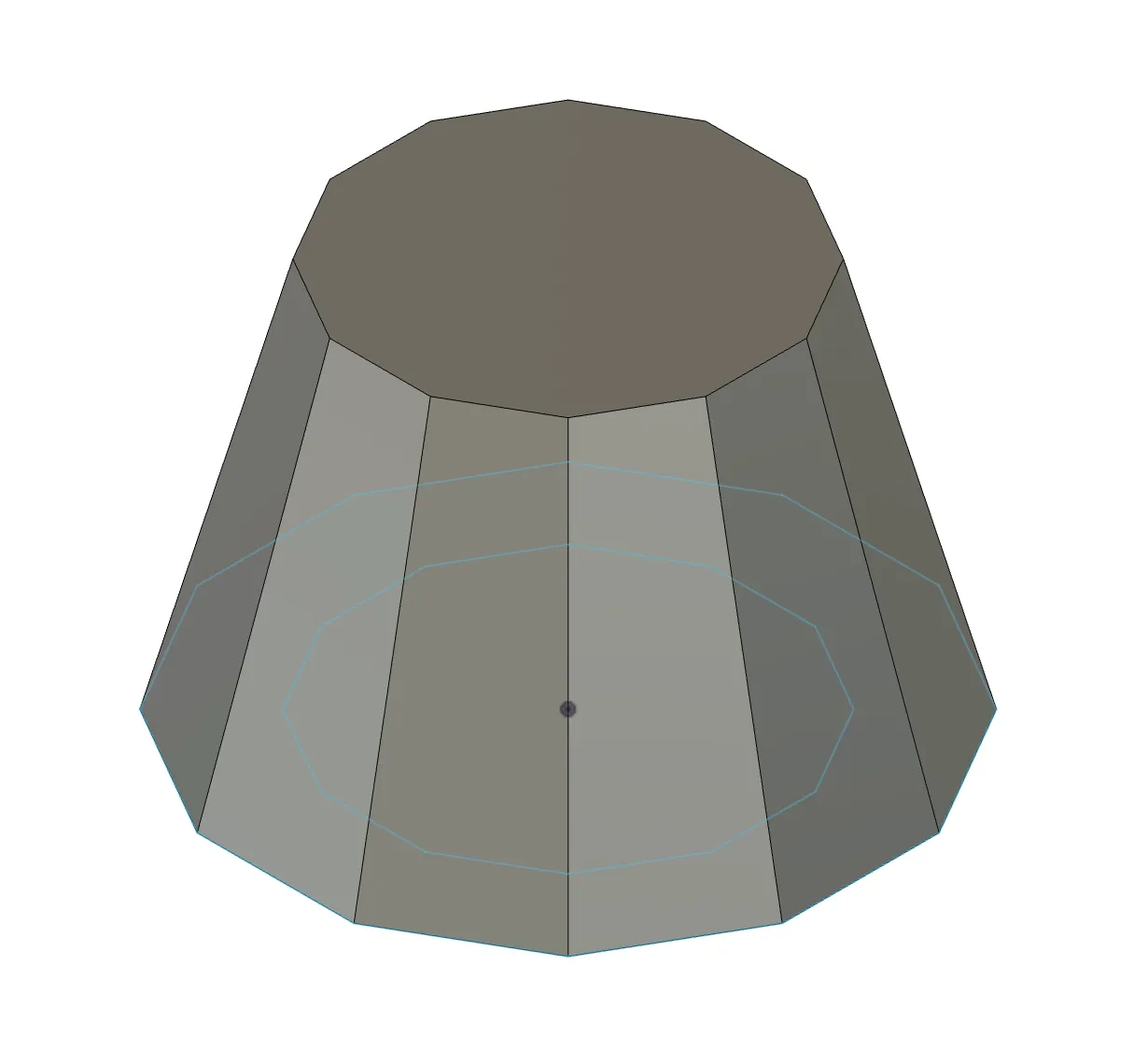 Mountain base
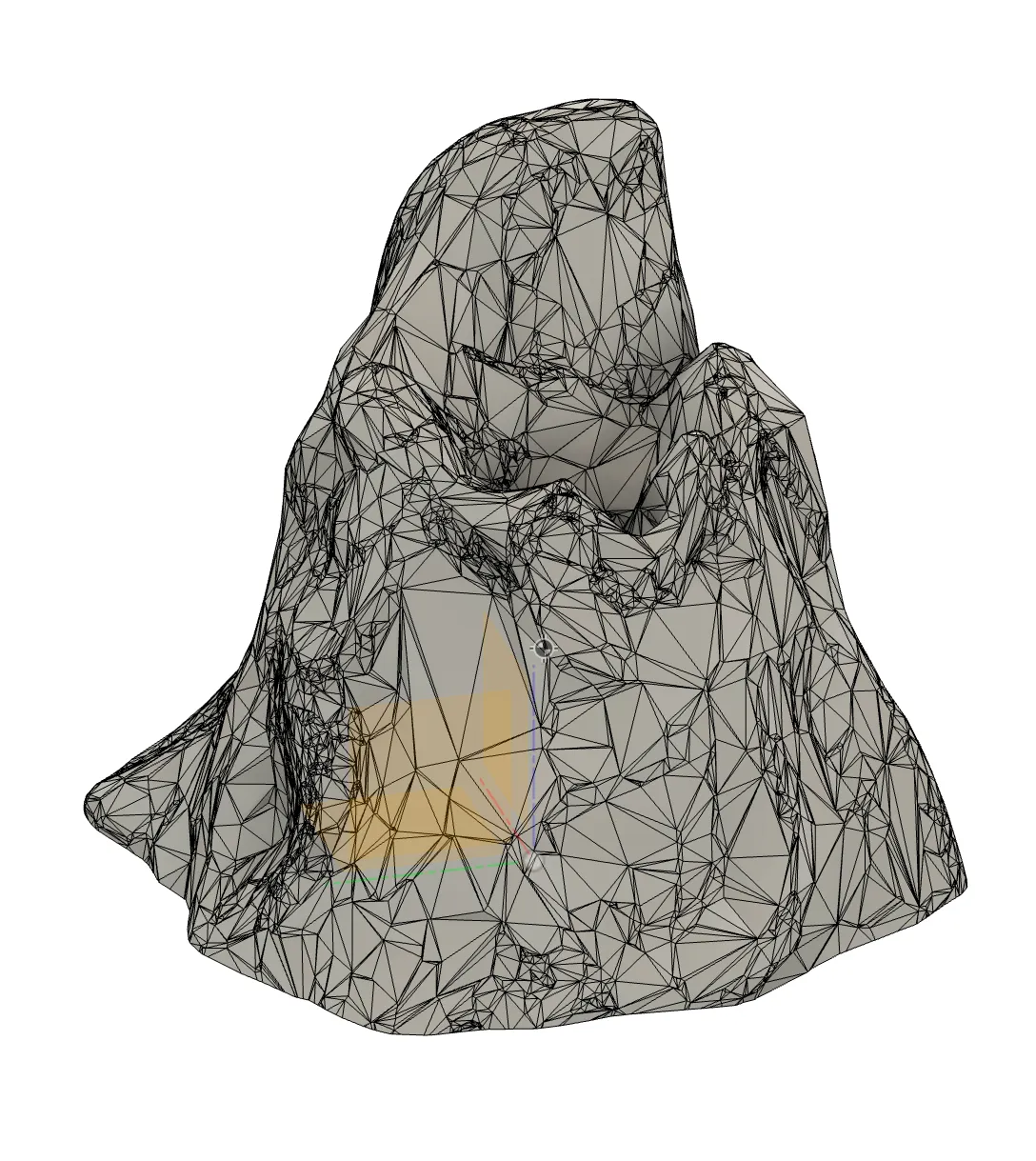 Textured mountain base
I rescaled it to fit the board and cut out the crater and a path for the minecart.
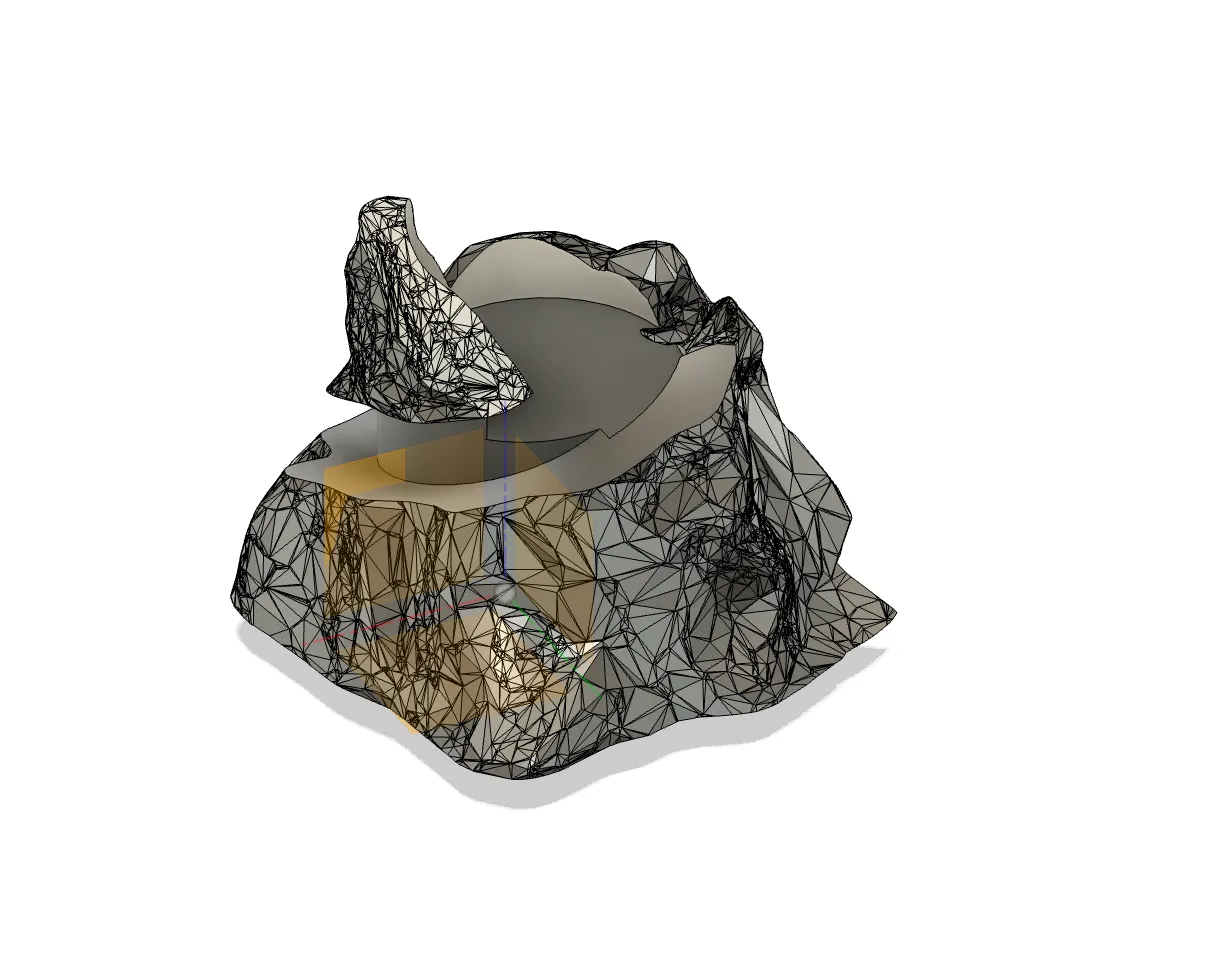 Mountain with crater and path
The tracks were the trickiest part. I used the Pipe tool to run a pipe around the path, then sketched the two rails and swept them along it.
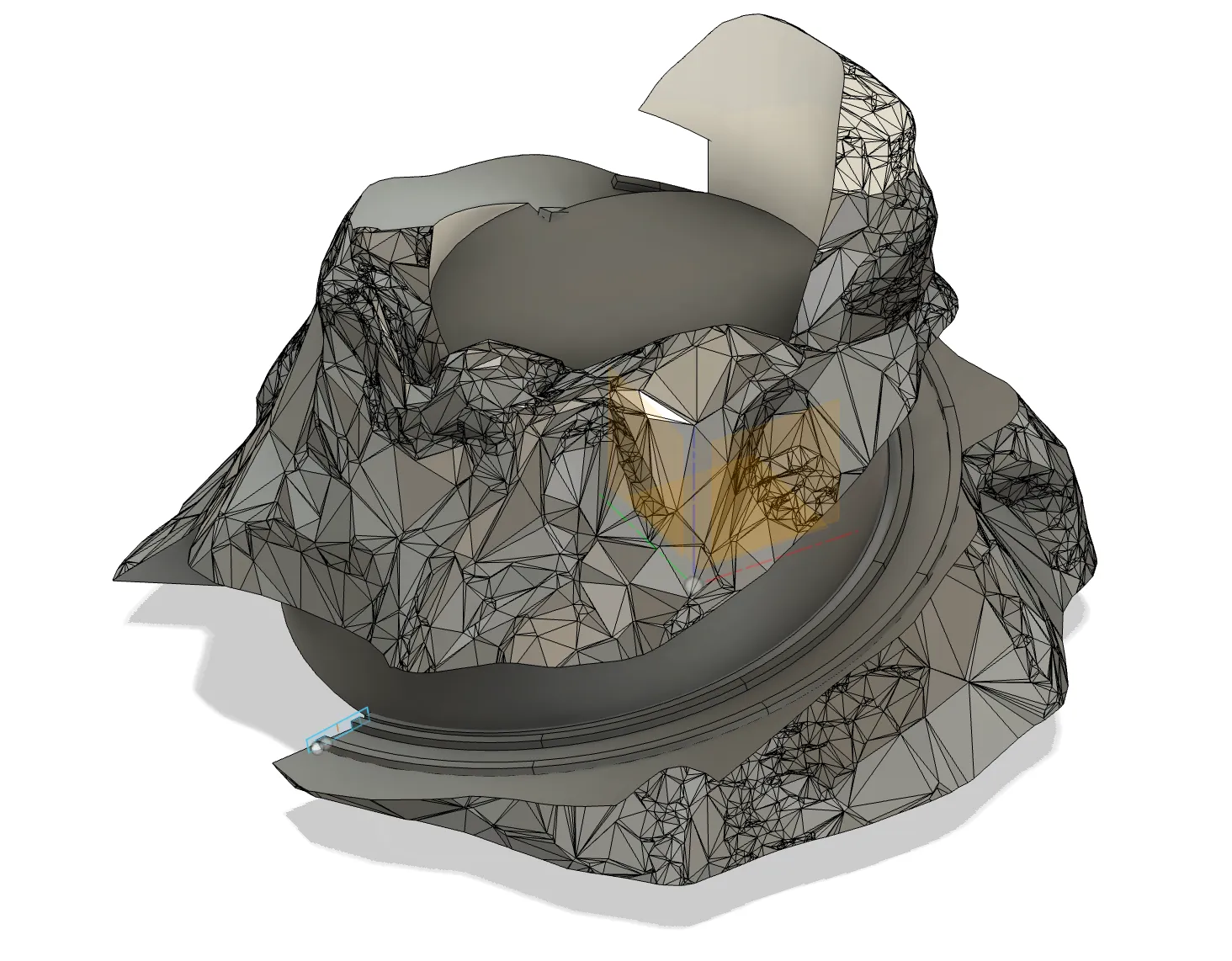 Tracks swept along path
For the bars between the rails, I extruded one from the track sketch, offset its faces and patterned it along the path. The bar rotates with the path, so the offset keeps part of it perpendicular to the track.
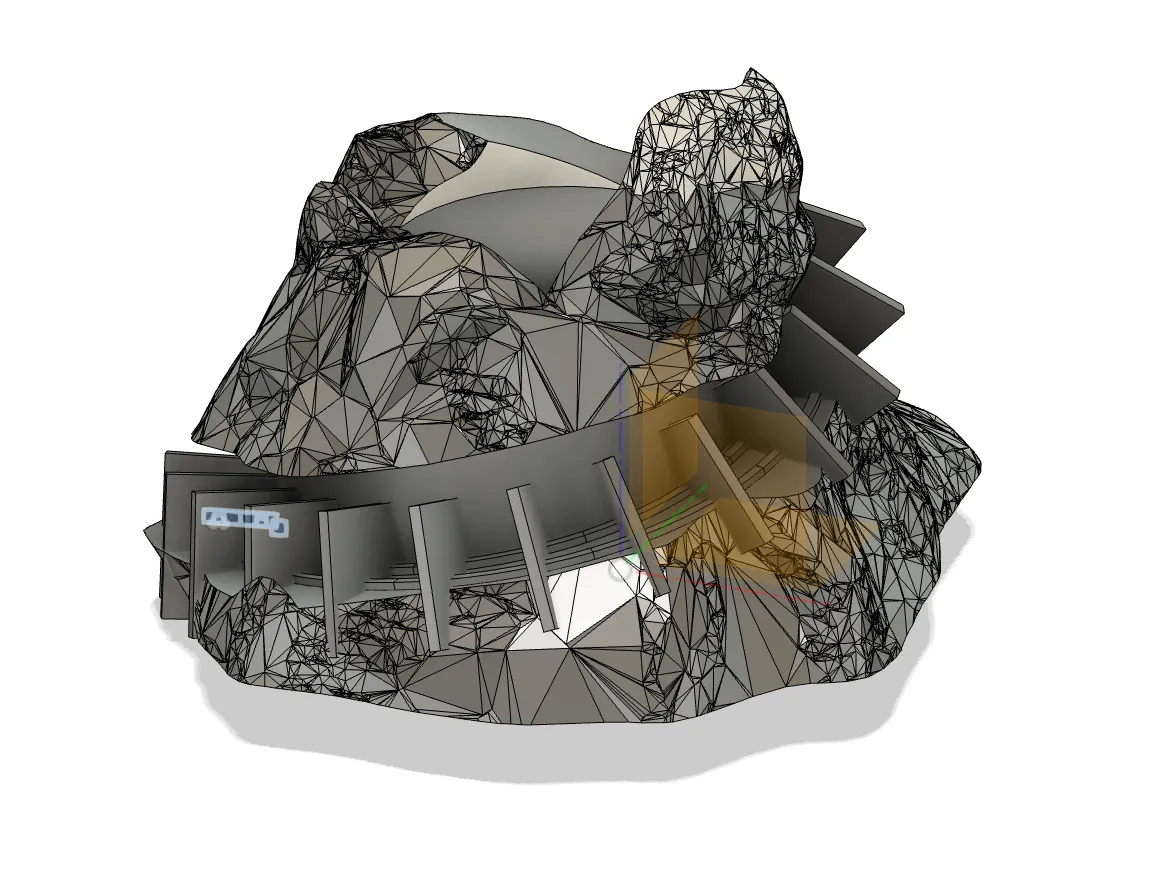 Bars patterned around the tracks
To trim them, I swept the original track sketch along the path and intersected it with the bars.
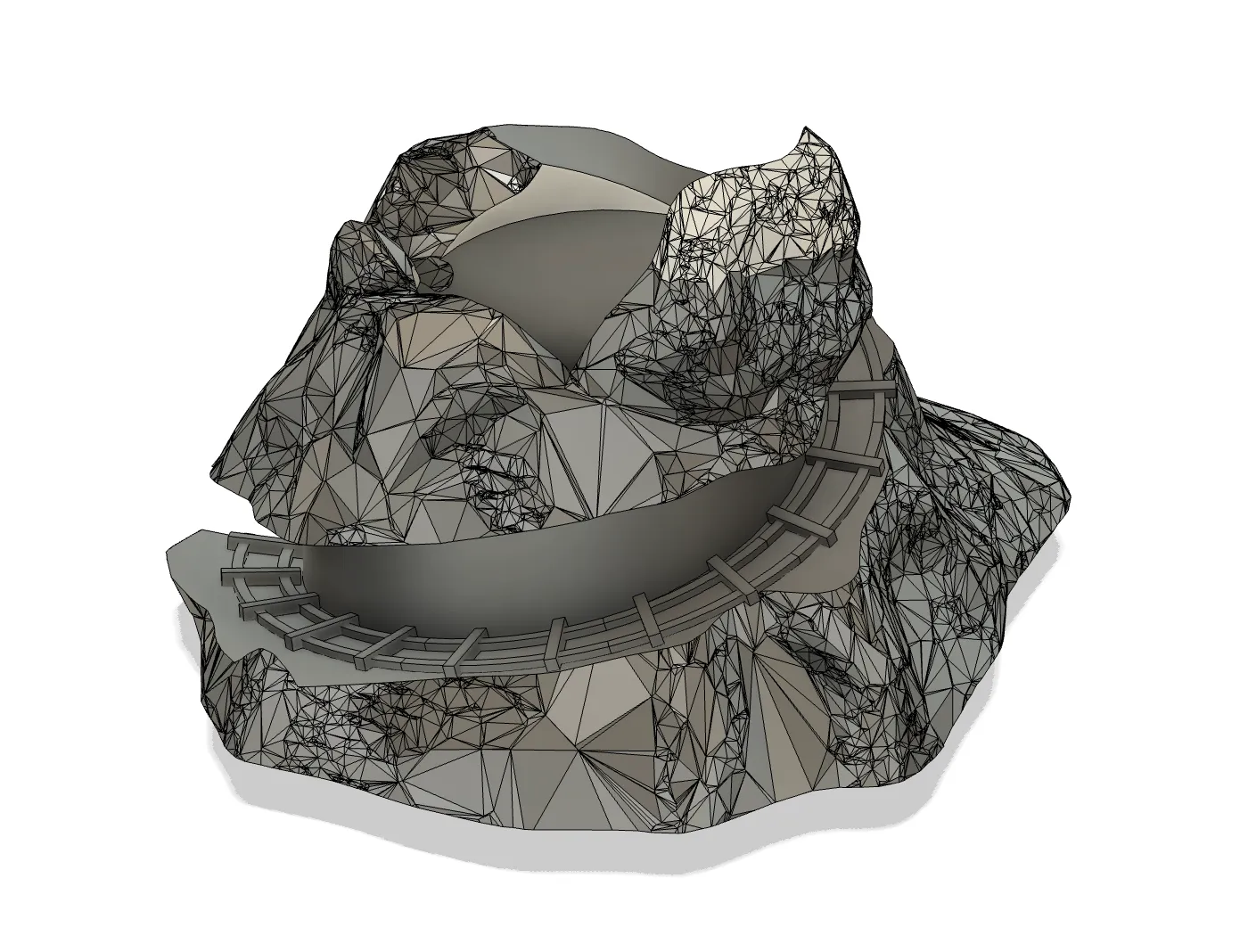 Mountain with track bars
Designing the minecart
Nothing fancy: I sketched the parts and extruded them. For the gems, I lofted between different polygons, converted the body to a mesh, then remeshed and reduced the faces for a more gem-like shape.
I reused the cart for one full of coal.
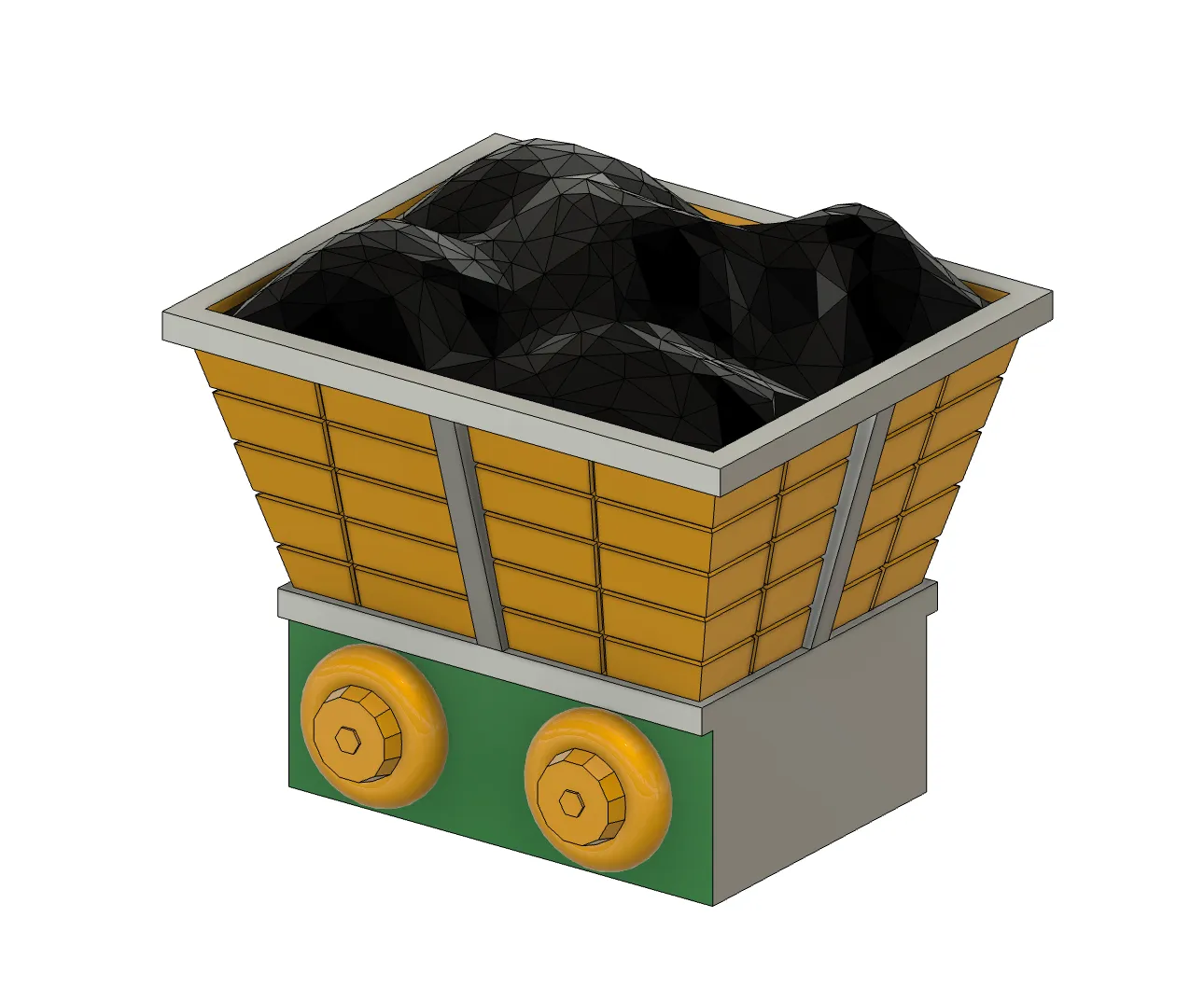 Minecart with coal
Bringing it together
I combined the mountain and minecart and added some gems to the mountainside.